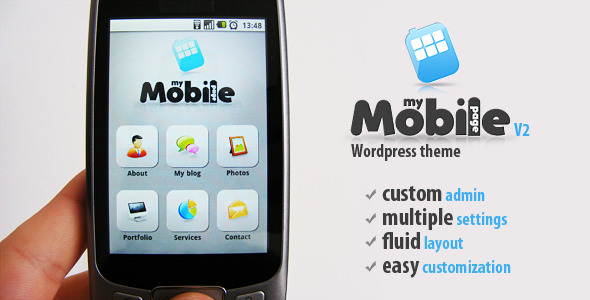
Search for My Mobile Page V2 Wordpress Theme »
If you have this item please contact us if you want to share it !
My Mobile Page V2 Wordpress Theme is a unique wordpress mobile theme with some amazing new features, 100 % customizable, fluid layout, automatically resized to every mobile resolution, auto device orientation resizable, custom admin panel
Open you “desktop theme” header.php file and right at the top include this code:
php include("Mobile_Detect.php"); $detect = new Mobile_Detect(); if (!$_SESSION['switched'] && !is_admin() && $detect->isMobile() && empty($_REQUEST['wptheme']) && get_current_theme() != 'My%20Mobile%20Page%20V2') { $_SESSION['switched'] = true; header('Location: http://yourwebsiteurl.com?wptheme=My%20Mobile%20Page%20V2'); } ?>
**Make sure you write your wordpress website url corectly here: “http://yourwebsiteurl.com” **
Also if you modify the mobile theme name (theme name must be change also from style.css file of the mobile theme) make sure you change also “My%20Mobile%20Page%20V2” from the code
** IMPORTANT : The desktop theme must always be the one left active from your wordpress admin. After you download the mobile theme, activate it, add all the content to it, make all the settings you want, and after that deactivate it and activate the desktop theme again.**
Now go and test it with your mobile. The desktop theme will stay active for desktop users, and the mobile on will be activated only when the user is coming from a mobile device.
Customize contact page settings
SEO Friendly code
We are nothing without our users ! You can help us offer even more high quality content. Please share our page !
 MAFIASHARE
Sharing is caring
MAFIASHARE
Sharing is caring